 nocware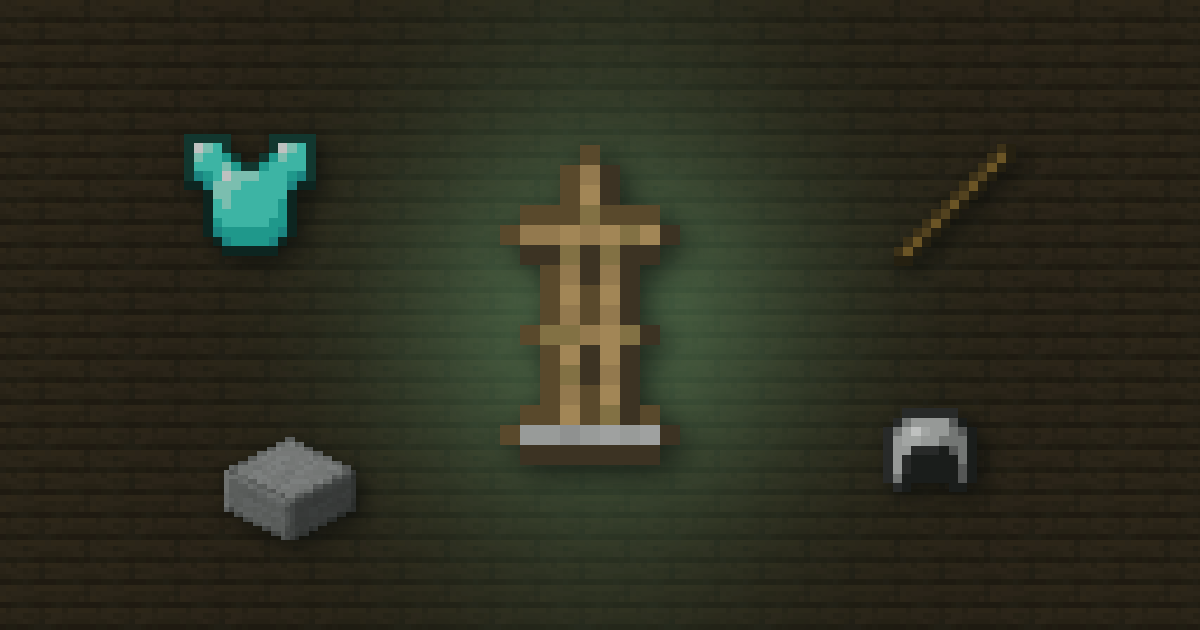
 Quick answer
- Craft an Armor stand from 6 sticks and 1 smooth stone slab.
- Use armour on it to put it on. Use it again with an empty hand to take it off.
- On Bedrock, sneak and use it to change its pose.
Armour stands hold armour, heads and items. They're handy for storage and great for decorating builds.
 Outfit & Armor Trim PreviewerPreview every Minecraft armor trim and material on your own skin, mix and match each piece, with your cape or an elytra, in a pose of your choice→
 Crafting
Put 6 sticks in an upside down Y shape with a  Smooth stone slab in the bottom middle. Make the slab by smelting stone into smooth stone, then using a stonecutter or crafting table.
 Putting armour on
- Use a piece of armour on the stand to put it on.
- Click a slot with an empty hand to take it back.
- Mob heads and pumpkins go on the head slot.
 Poses and arms
| Edition | Poses | Arms |
|---|---|---|
| Bedrock | Sneak and use to cycle | Always has arms |
| Java | Commands only | Commands only |
Java armsOn Java, you need a /give command for an armour stand with arms. Our give command generator helps you build it.
 Cheat sheet
- 6 sticks + 1 smooth stone slab
- Use armour on it to equip
- Bedrock: sneak + use to pose
- Java: commands for arms
 How Nether Portal Linking Works
 Why Your Anvil Says Too Expensive
 Shulker Box Storage Maths