 nocware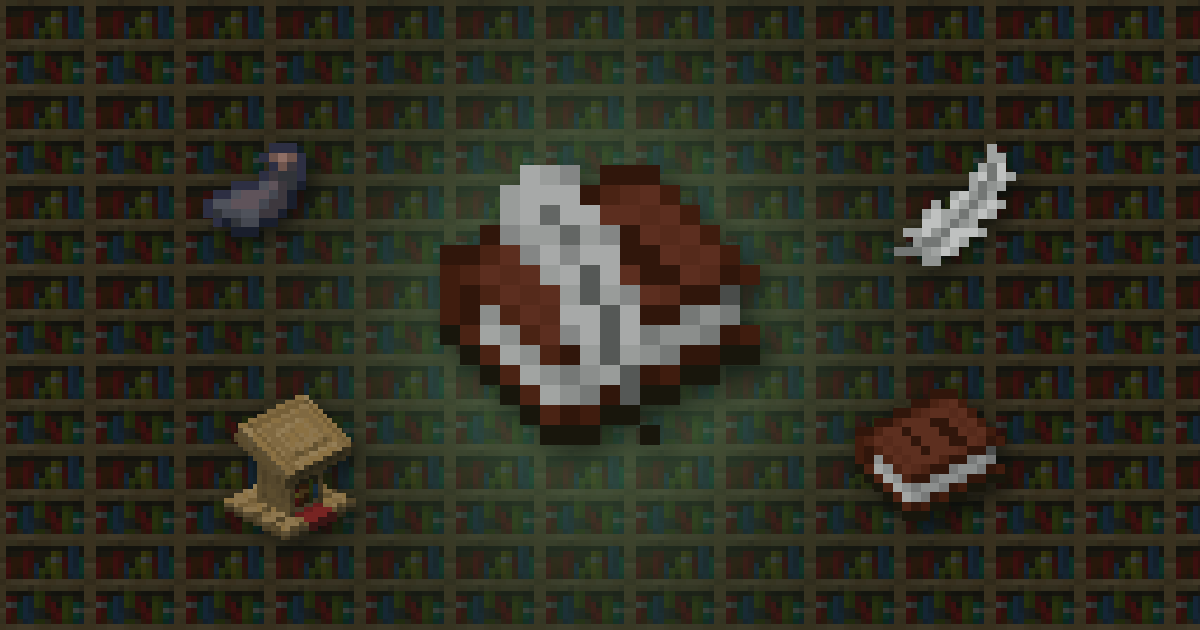
 Quick answer
- Craft a Book and Quill from a book, an
 Ink sac and a
  Feather.
 - Write up to 100 pages on Java (50 on Bedrock).
- Sign it to make a
 Written book, then craft copies.
Books are great for server rules, base guides, diaries or stories for your friends.
 Color Code Text MakerMake coloured Minecraft text with a live preview→
Making one
Combine a book, an ink sac and a feather. Hold it and use it to open the writing screen.
Writing
| Java | Bedrock | |
|---|---|---|
| Pages | 100 | 50 |
| Characters per page | 1,023 | 256 |
| Title length | 15 | 16 |
On Bedrock you can add colours and styles with formatting codes.
Signing and copying
- Click Sign, give it a title and confirm. It becomes a written book and can't be edited again.
- To copy it, craft the written book with a blank book and quill.
- You can copy the original and copies of the original, but not copies of copies.
Signing is finalRead it through first. Once signed, you can't change a single word.
 Displaying it
Put a book on a Lectern so anyone can read it. When the reader reaches the last page, the lectern gives out a full redstone signal, which you can use for a secret door.
 Cheat sheet
- Book + ink sac + feather
- 100 pages on Java, 50 on Bedrock
- Sign to finish, can't edit after
- Copies of copies can't be copied
 How Nether Portal Linking Works
 Why Your Anvil Says Too Expensive
 Shulker Box Storage Maths