 nocware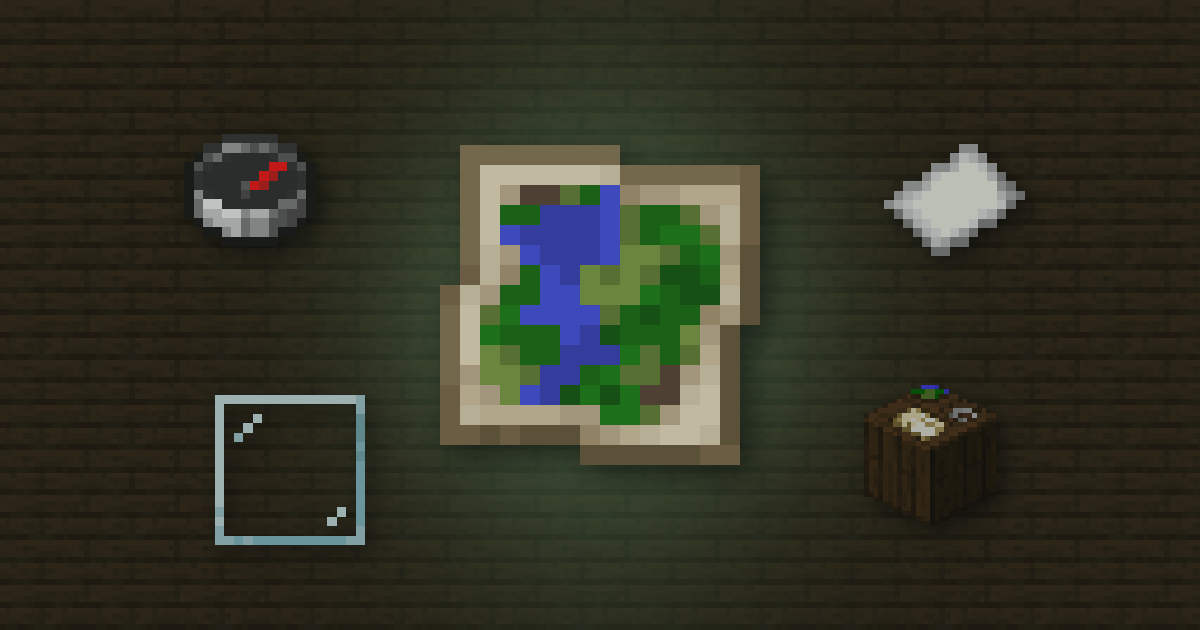
 Quick answer
- Craft an empty map from
 Paper around a
  Compass, then use it to start drawing.
 - Zoom out with more paper at a
 Cartography table, up to 2048×2048 blocks.
 - Add a
 Glass pane at a cartography table to lock a map.
Maps show the land around you from above. They're great for planning bases, finding your way home, or decorating a wall.
 Waypoint ManagerSave Minecraft waypoints across your worlds→
 Making one
- Craft an empty map from paper and a compass.
- Hold it and use it. It starts drawing the area around you.
- Walk around with it in your hand to fill in the rest.
Zoom levels
| Level | Area covered |
|---|---|
| 0 | 128 × 128 blocks |
| 1 | 256 × 256 blocks |
| 2 | 512 × 512 blocks |
| 3 | 1024 × 1024 blocks |
| 4 | 2048 × 2048 blocks |
At a cartography table, each zoom costs 1 paper. In a crafting table it costs 8.
Copying and locking
- Copy: put a map and an empty map in a cartography table. The copy stays in sync with the original.
- Lock: add a glass pane. A locked map never changes, even if the land does. Stained glass doesn't work.
 Markers and map walls
On Java, use a map on a placed banner to mark that spot in the banner's colour. Name the banner in an anvil and the name shows on the map too.
Map wallsPut maps of the areas next to each other in item frames to build one giant map of your world.
Cheat sheet
- Paper around a compass = empty map
- Zoom 4 covers 2048 × 2048 blocks
- Glass pane locks, empty map copies
- Banners add markers on Java
 Pixel Art MakerTurn any image into Minecraft pixel art→
 How Nether Portal Linking Works
 Why Your Anvil Says Too Expensive
 Shulker Box Storage Maths