 nocware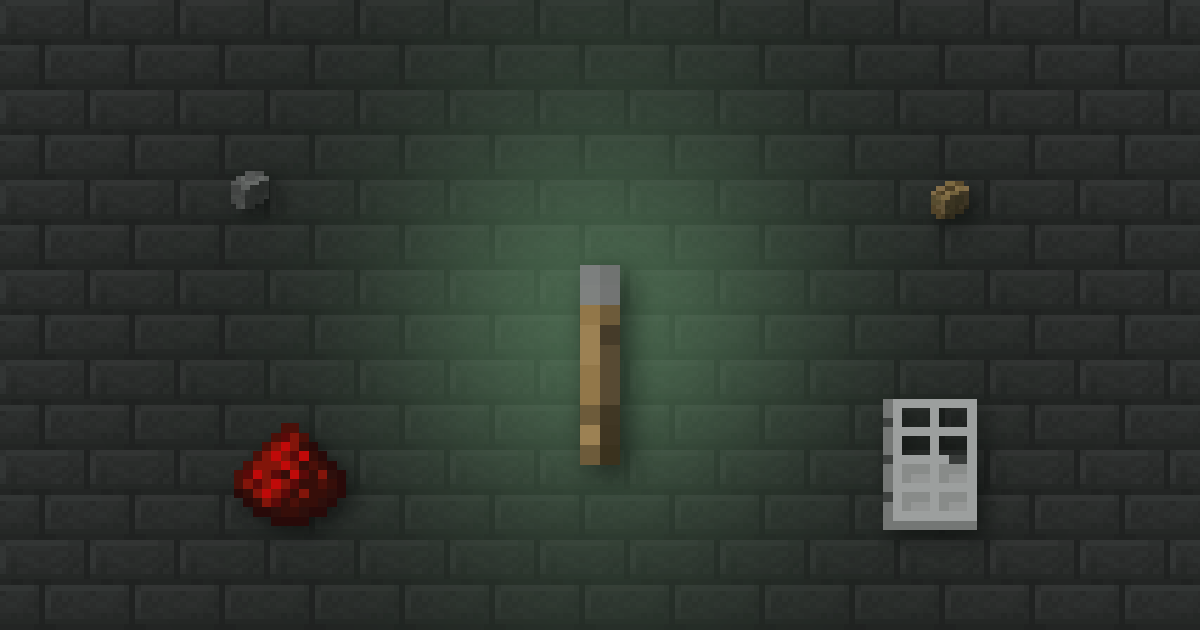
 Quick answer
- A Lever stays on or off until you flip it. A button gives a short pulse.
 Stone button: on for 1 second.
  Oak button (any wood): on for 1.5 seconds.
- All of them give a full strength 15 signal.
Levers and buttons are the simplest ways to switch redstone on. Which one you need depends on whether the thing should stay on.
 Materials PlannerPlan Minecraft build materials and calculate stacks, shulker boxes and chests→
 Recipes
| Switch | Recipe |
|---|---|
| Lever | 1 stick on top of 1 cobblestone |
| Stone button | 1 stone or polished blackstone |
| Oak button | 1 plank of any wood type |
Lever or button?
| Lever | Stone button | Wooden button | |
|---|---|---|---|
| Stays on | Until flipped | 1 second | 1.5 seconds |
| Signal | 15 | 15 | 15 |
| Best for | Lights, farms, things left on | Doors, one-off pulses | Doors you walk through |
20ticks for a stone button
30ticks for a wooden button
 What they power
- The block they're placed on, if it's a full solid block.
- Redstone dust, pistons, lamps and doors right next to them.
- Repeaters and comparators facing away from them.
Hidden switchA lever powers the block it sits on, so you can run redstone from the back of that block into a hidden piston door.
 Iron doors
An Iron door can't be opened by hand. Put a button on each side and it opens long enough to walk through, then shuts behind you.
BedrockBedrock also lets you place levers on fences, walls and hoppers, and underwater. On Java, flowing water breaks levers.
 Cheat sheet
- Lever: stick + cobblestone, stays on
- Stone button: 1 second pulse
- Wooden button: 1.5 second pulse
- All give signal 15
Materials PlannerPlan Minecraft build materials and calculate stacks, shulker boxes and chests→
 How Nether Portal Linking Works
 Why Your Anvil Says Too Expensive
 Shulker Box Storage Maths