 nocware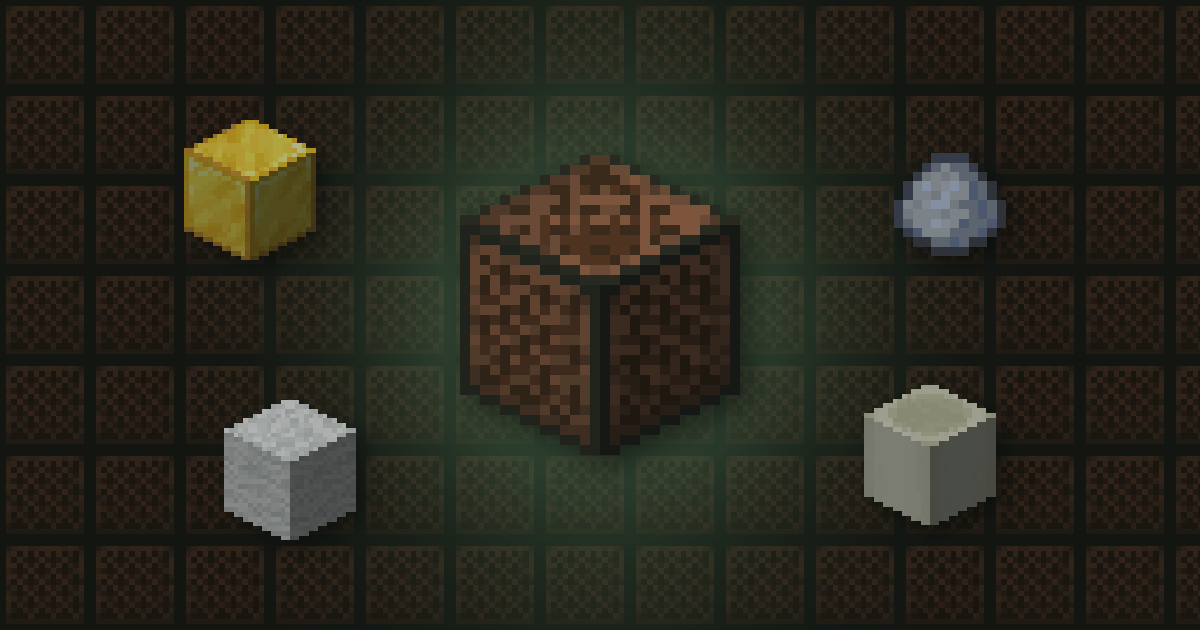
 Quick answer
- Craft a Note block from 8 planks and 1 redstone dust.
- Use it to raise the note. It has 25 notes, then loops back.
- The block underneath decides the instrument.
Note blocks let you play music with redstone. Tune each one and chain them up to play songs.
 Materials PlannerPlan Minecraft build materials and calculate stacks, shulker boxes and chests→
 Playing and tuning
- Hit it to play the note.
- Use it to raise the pitch by one step.
- Power it with redstone to play it automatically.
- The block above must be air for it to play.
 Instruments
| Block underneath | Instrument |
|---|---|
| Any other block | Harp |
| Wood | Bass |
| Stone | Bass drum |
  Sand or gravel Sand or gravel | Snare |
 Glass Glass | Clicks |
| Gold block |  Bells Bells |
 Clay Clay | Flute |
 Packed ice Packed ice | Chimes |
 Wool Wool | Guitar |
 Bone block Bone block | Xylophone |
 Iron block Iron block | Iron xylophone |
 Soul sand Soul sand | Cow bell |
 Pumpkin Pumpkin | Didgeridoo |
 Emerald block Emerald block | Bit |
| Hay bale | Banjo |
 Glowstone Glowstone | Pling |
Mob headsOn Java, a mob head on top of a note block plays that mob's sound instead.
AllaysAn allay that hears a note block stays near it and drops items there.
 Cheat sheet
- 8 planks + 1 redstone
- 25 notes per block
- Block below sets the instrument
- Needs air above
 How Nether Portal Linking Works
 Why Your Anvil Says Too Expensive
 Shulker Box Storage Maths